Give people a clear way to use AI
Choose approved tools, explain information rules and show staff a useful next step. Connect the policy to acknowledgement, training and supported checks.
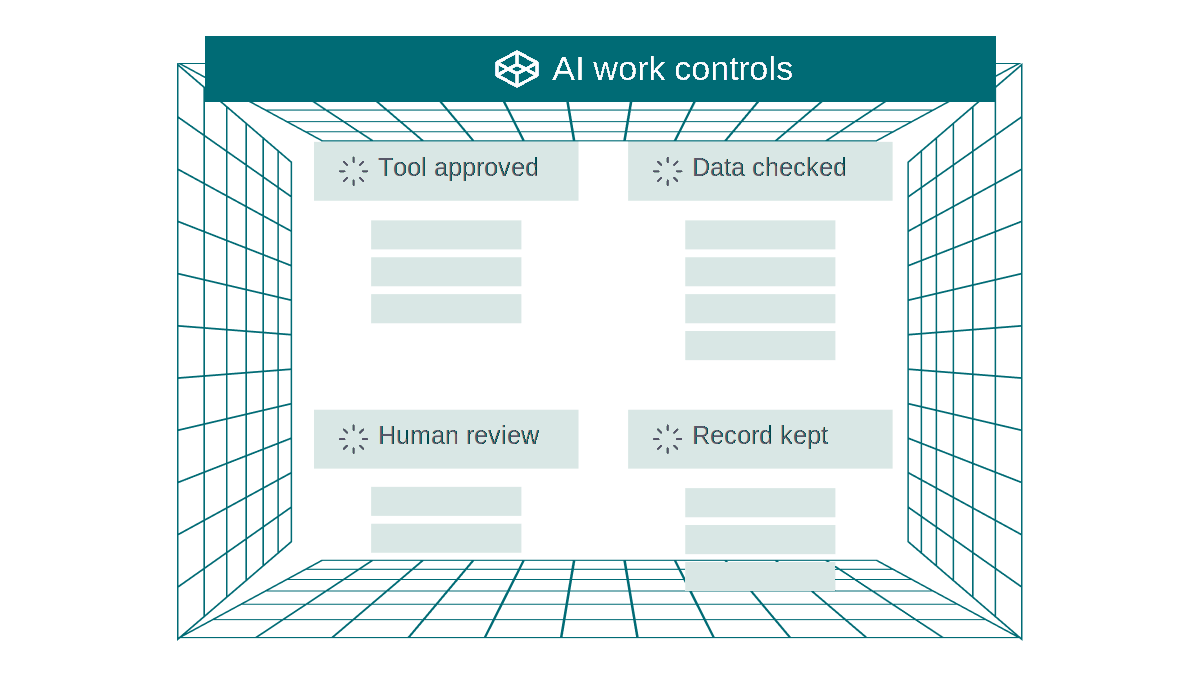
Use AI. Keep control.
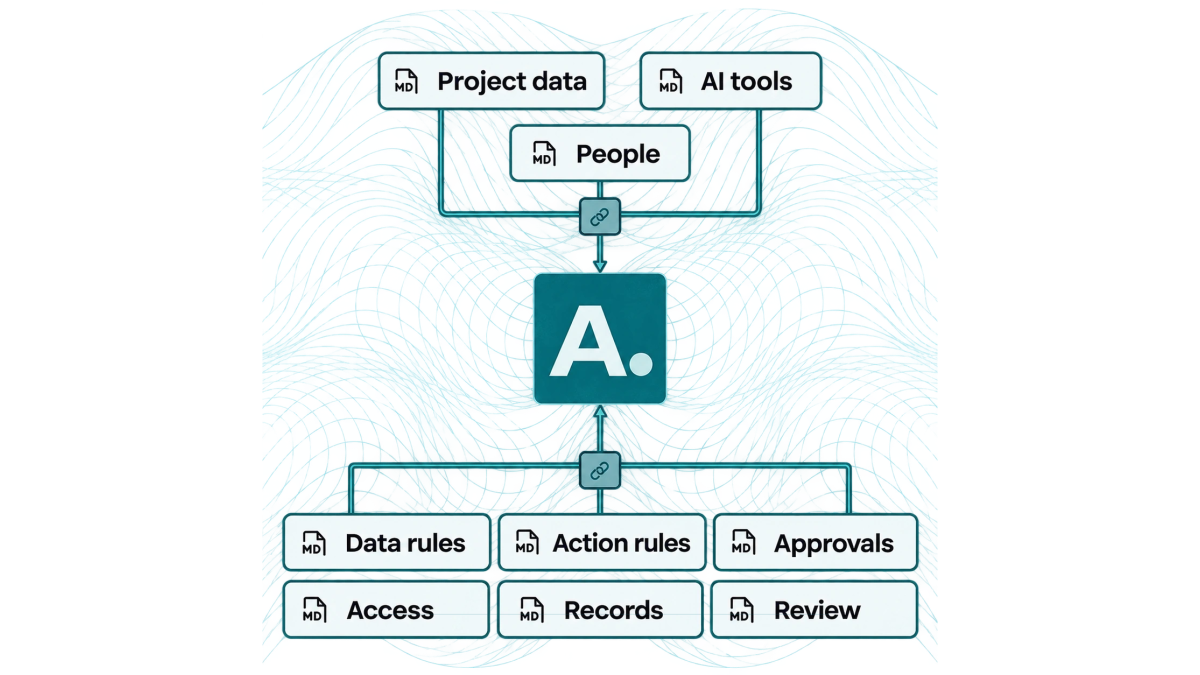
1. Choose the approved route
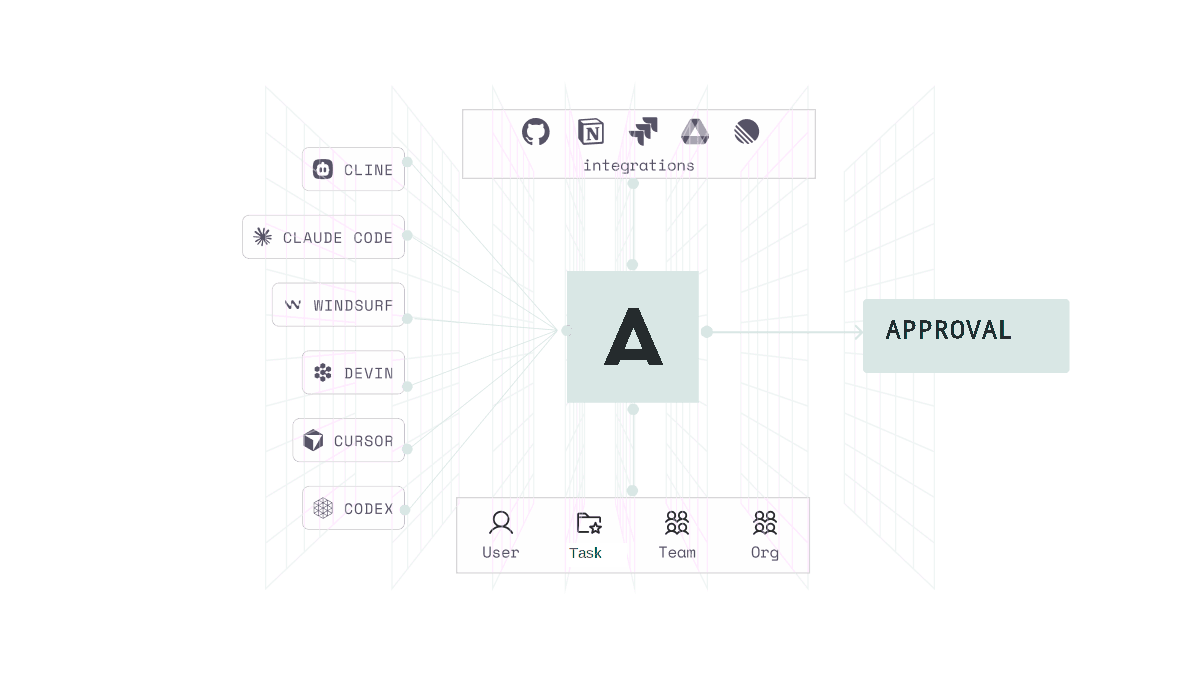
Name the company accounts and tools staff may use. Give people examples for their work and a way to request a new tool or an exception.
2. Make the rules usable
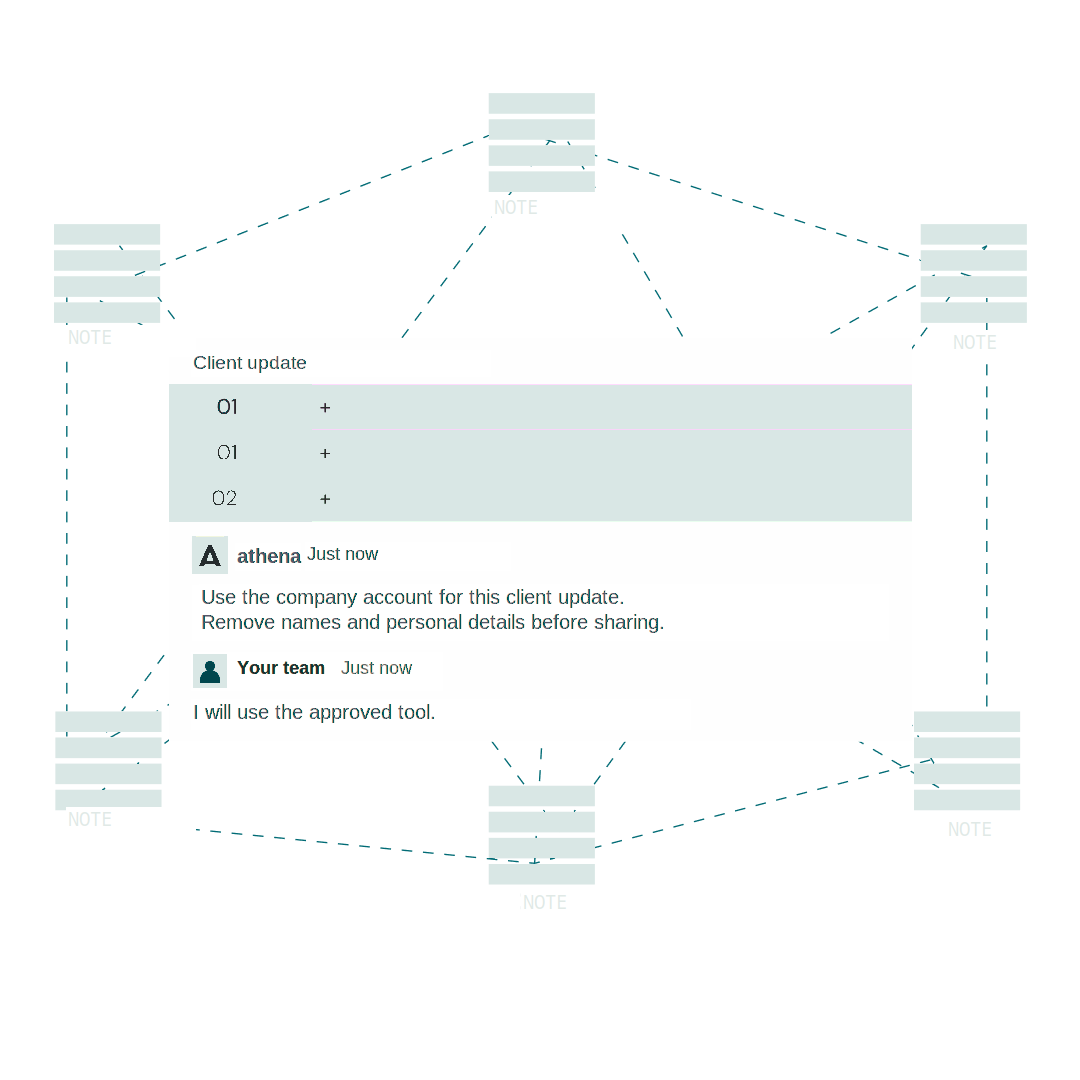
Example policy: use the approved company account for internal notes; keep credentials and excluded client records out. Name an exception reviewer and record acknowledgement.
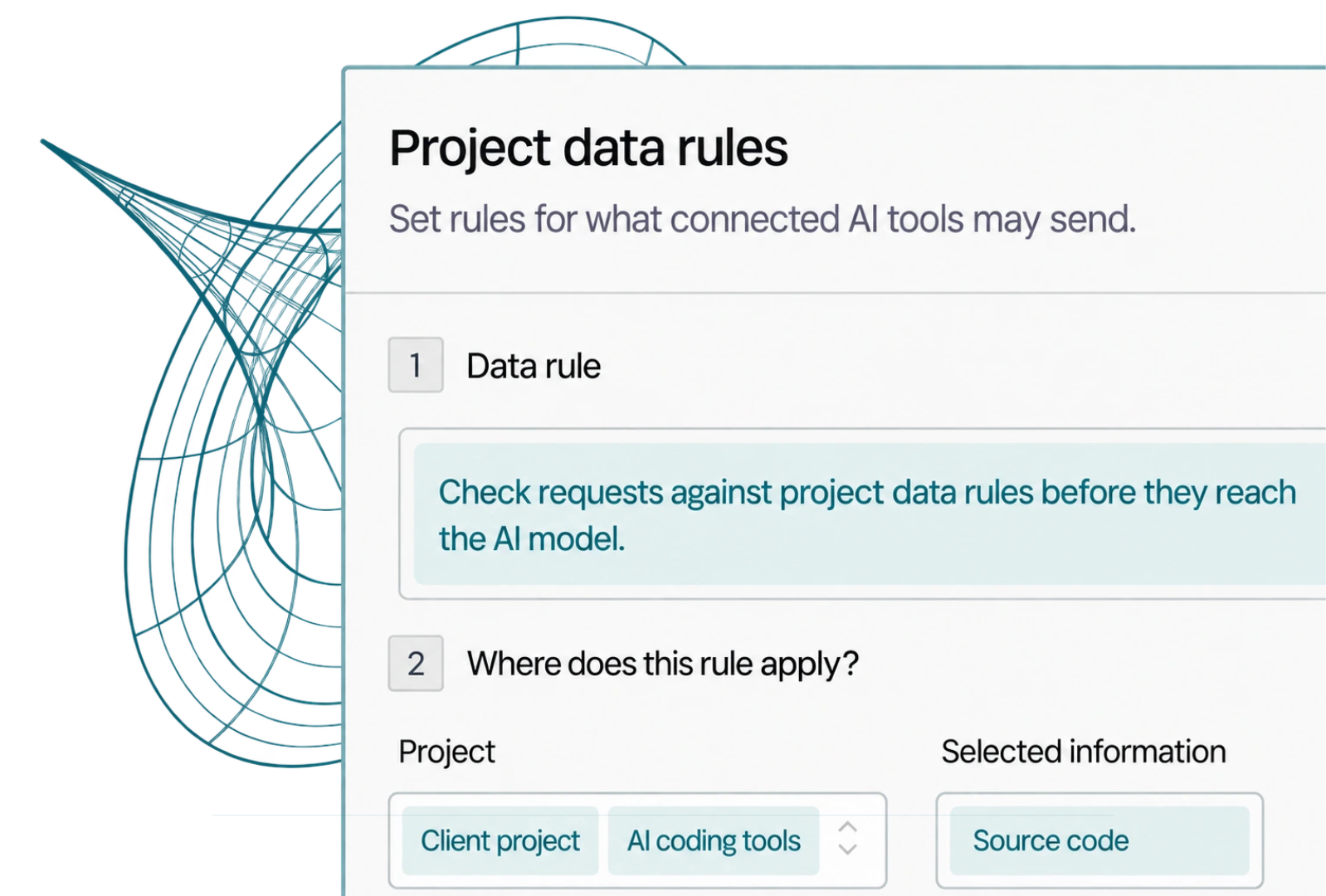
3. Help people at the point of use
At a supported check, explain the warning and the approved next step. Keep written guidance and technical enforcement distinct.
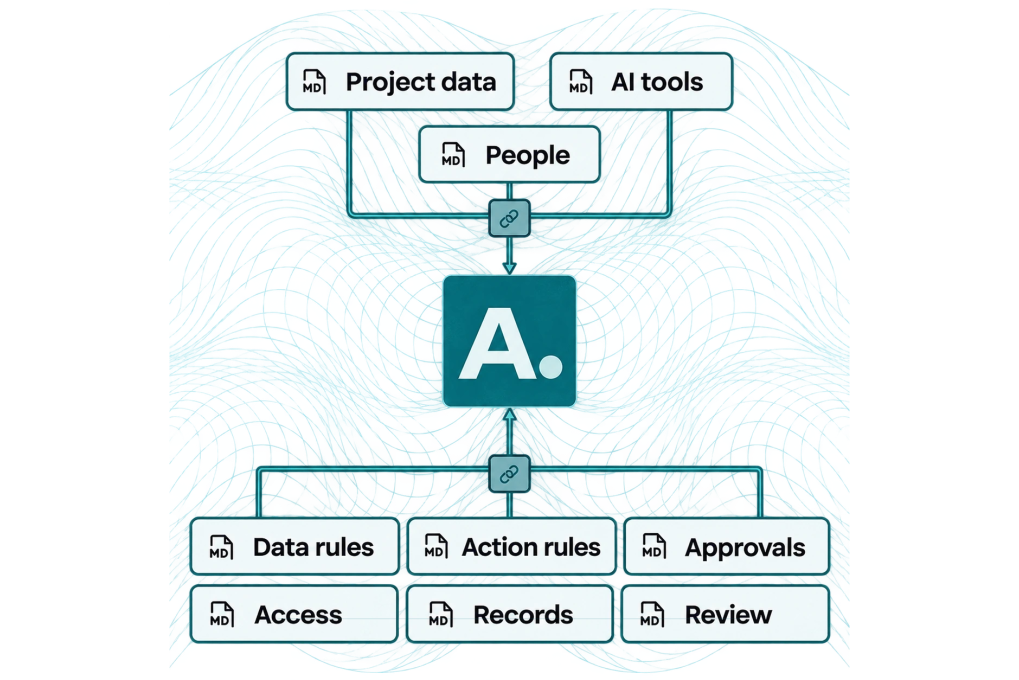
Information rules
Name allowed material, sensitive information and the supported check.
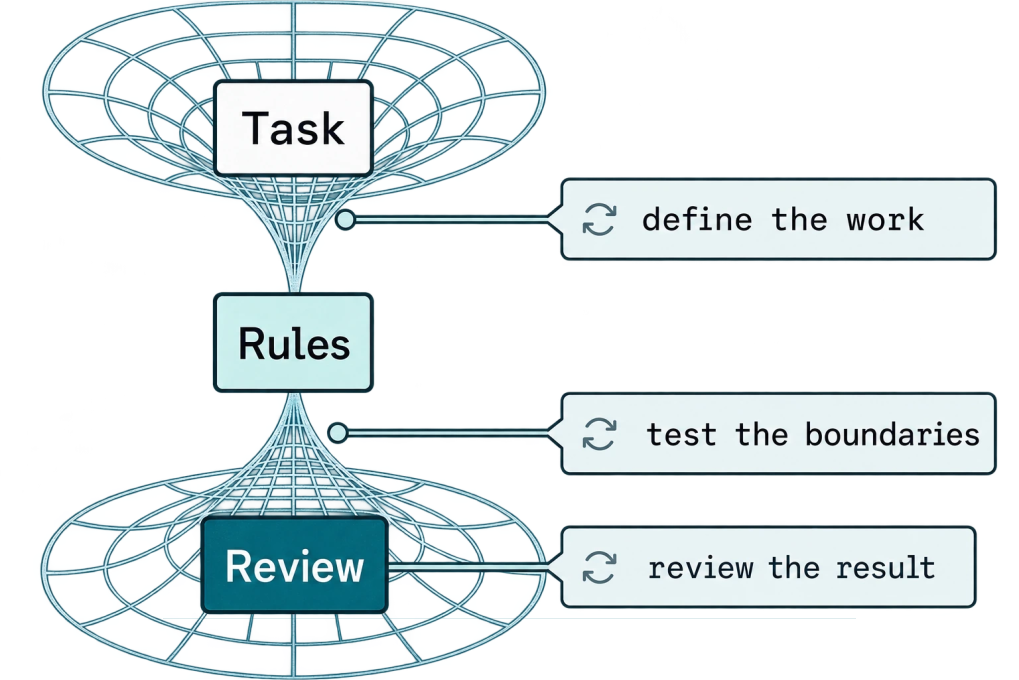
Review and exceptions
Name the reviewer and who can resolve an exception or incorrect finding.
4. Teach, review and improve
Use staff questions and findings to improve guidance. Test missed detections, incorrect blocks and interruptions when tools or rules change.
Choose your next step
See the connection options, set the rules or plan a first test.
Put your policy into daily practice